Getting started
This page walks you through environment setup, bot token configuration, and the first basic flows with zalo-bot-js.
If you are new to the SDK, follow this order: create the bot, install dependencies, create .env, verify the token, and then run the polling bot.
Requirements
- Node.js 18 or newer
- a valid Zalo Bot token
Create the bot and get the token
Before running the examples in this documentation, create a bot in the bot management portal and copy the token for your environment.
Recommended flow:
- Open the bot management page by scanning the QR code below.
- Sign in and create a new bot for your use case.
- Copy the bot token after the bot is created successfully.
- Save the token into
.envbefore running the local test scripts.
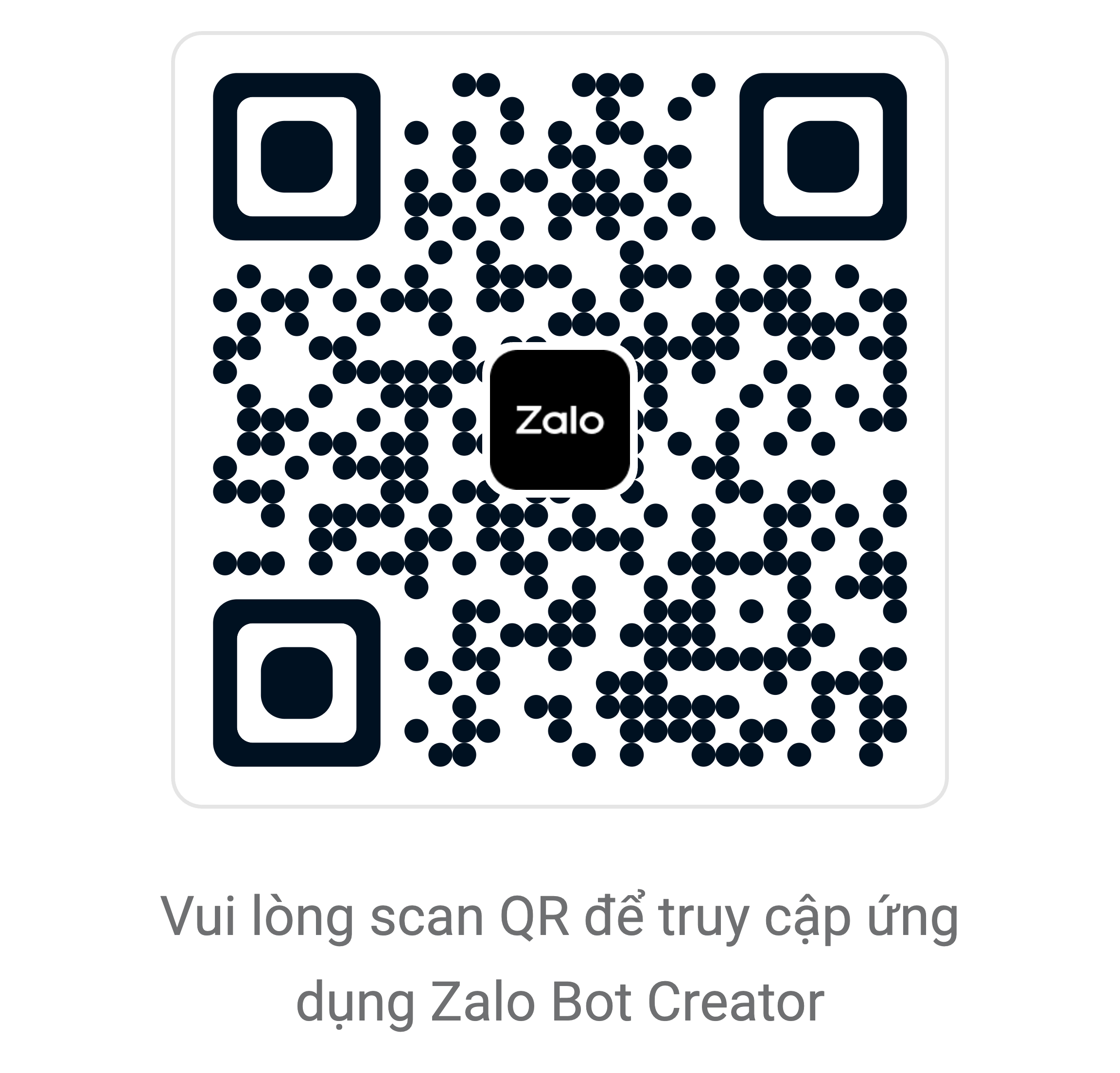
If you are reading the documentation on a different screen or device, scan the QR code to jump directly to the bot management page.
Install dependencies
npm installCreate .env
Create a .env file in the project root:
ZALO_BOT_TOKEN=your_zalo_bot_token_here
ZALO_BOT_LANG=vi
ZALO_BOT_ADMIN_ID=your_zalo_account_id_here
ZALO_BOT_LANG supports:
vi: runtime logs and helper messages in Vietnameseen: runtime logs and helper messages in English
If unset, the current default is vi.
Choose API style
zalo-bot-js supports two long-term styles and both share the same command parsing behavior:
- Event API (
bot.on(...),bot.command(...)) as the primary style for most bots. - Handler API (
ApplicationBuilder,CommandHandler,MessageHandler) for teams that prefer handler/filter routing.
Because command parsing is shared, /Start demo and /start demo are matched the same way in both styles.
Verify the token
npm run test:tokenThis script:
- loads
.env - reads
ZALO_BOT_TOKEN - creates
Bot - calls
getMe() - prints the bot profile in the selected runtime language
Run the hello bot
npm run test:hello-botThen send:
/starthello
to validate the basic message flow.
This test script uses:
ApplicationBuilderCommandHandler("start", ...)MessageHandler(...)
It is the fastest way to confirm polling, update parsing, handler matching, and message replies.
Minimal startup example
import { ApplicationBuilder, CommandHandler } from "zalo-bot-js";

const app = new ApplicationBuilder()
  .token(process.env.ZALO_BOT_TOKEN!)
  .build();

app.addHandler(new CommandHandler("start", async (update) => {
  await update.message?.replyText("Hello!");
}));

void app.runPolling();
When to use each test script
test:token: validate token and bot identity onlytest:hello-bot: validate token, polling, handlers, and reply flow together
Practical notes
- long polling may wait for a while when there are no new updates
- if the API returns a thin response payload, the SDK already includes fallback parsing for sent messages
- webhook is a better fit once you have a stable public server and URL
Next
- See Examples and tests if you want to choose between polling, webhook, and validation scripts.
- Read Architecture if you want to understand how the SDK is organized before extending it.
Last updated: April 5, 2026